
Search
I was talking to one of my cousins over Christmas who is studying for a law degree. I realised a Kindle might be good for her, as it allows you to search the text of any document you open. If you think about the academic context, search suddenly becomes very valuable. If you have an electronic version of a textbook, academic paper or technical manual, you can easily search for words and phrases within them.
Dictionaries
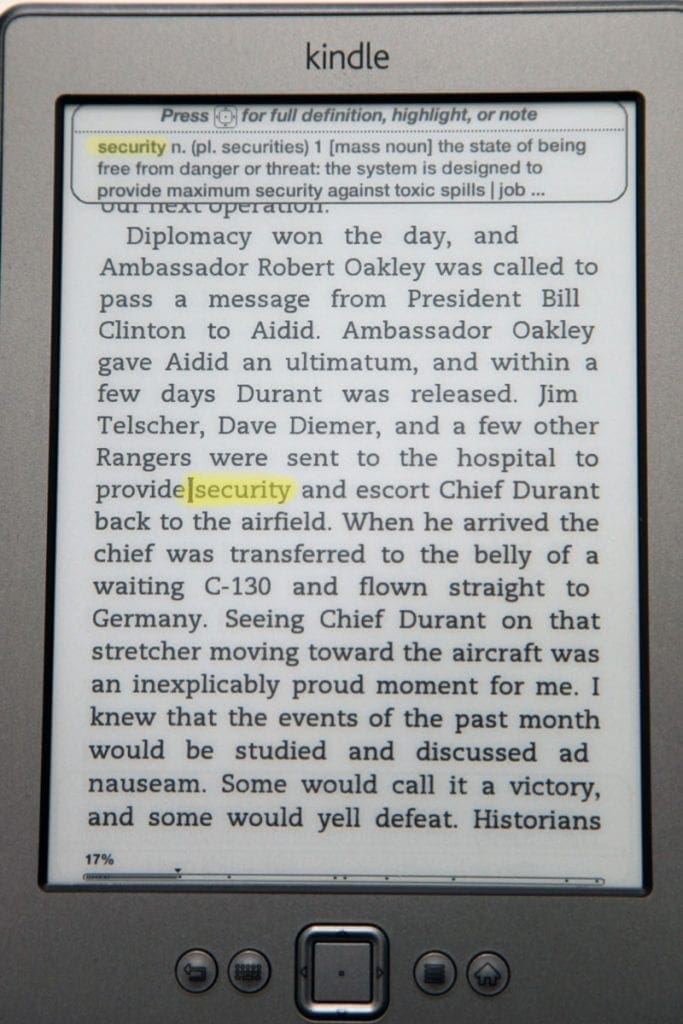
The Kindle also comes with several full-sized dictionaries (UK and US English, and other European languages) that are searchable. You can browse the dictionaries as separate books in their own right, but more impressively, you can use them from within other documents. I was recently reading The Fry Chronicles by Stephen Fry. Stephen has an excellent way with words, and a love of them, and so tends to use lovely uncommon synonyms, many of which I hadn’t heard before or wasn’t sure of the exact definition. No problem on the Kindle – you simply press the up arrow to get a cursor on the screen, then navigate to the beginning of that word. Wait a second, and a brief definition of the word comes up at the bottom of the screen. If you want to read more, you can go into the full dictionary listing, and then easily return to the page you were reading using the “back” button. Fantastic!
Synchronisation
When you connect the wireless on the device to the internet, it performs a sync. It checks to see if there is any new content for you to download, and also syncs your position in each of the documents you are reading. This means if you use the Kindle application on your Kindle and a desktop computer, Kindle will remember that you’re on Page 251 of a book, and when you open the same book on the other device, it will open at that last-read page. Nifty.
3G vs wireless and the keyboard
Let’s have *that* discussion. Should you buy the WiFi-only no-keyboard Kindle, or the more expensive 3G version with a keyboard? My answer is rather non-commitally ‘it depends’. It depends on how you plan to use it. If you will be predominantly reading books, get the WiFi. If, however, you plan on getting your daily paper or weekly magazine on the Kindle, I strongly suggest going for the 3G version, as you’ll be able to download your publications whilst out and about – on your commute to work, for example. However, there are now plenty of free WiFi points offered by restaurants, cafes and hotels, so not having 3G wouldn’t be impossible to manage if you live somewhere with lots of free WiFi. The other factor is of course the keyboard. Again, if you’re just going to be reading, the WiFi version is absolutely fine; better, in fact, as the screen takes up more of the device. However, there is one more interesting thing to consider…
Experimental
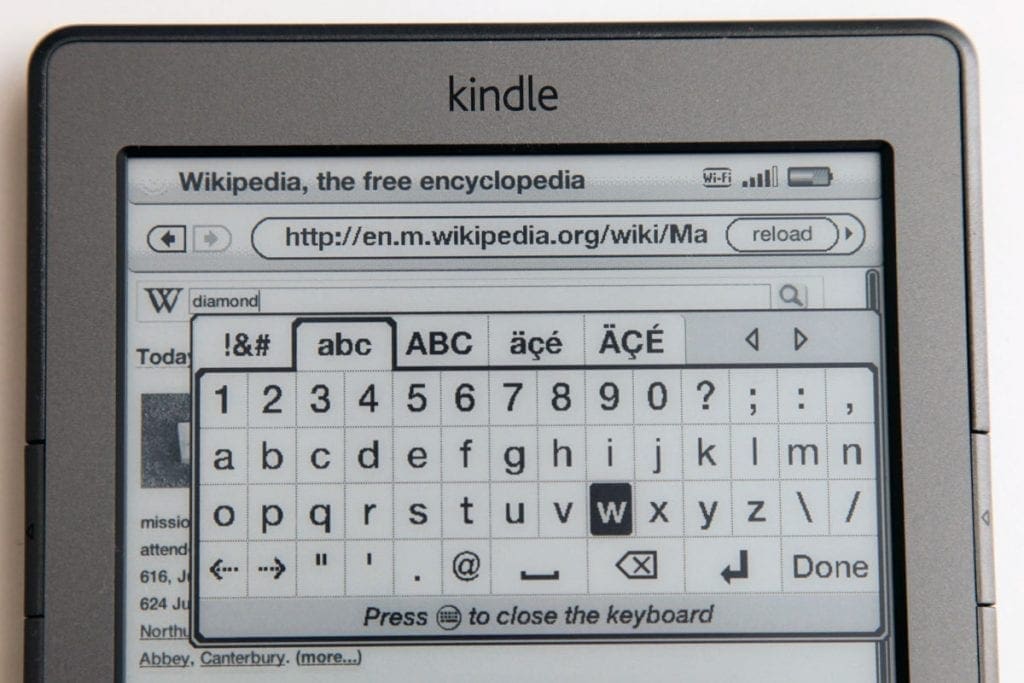
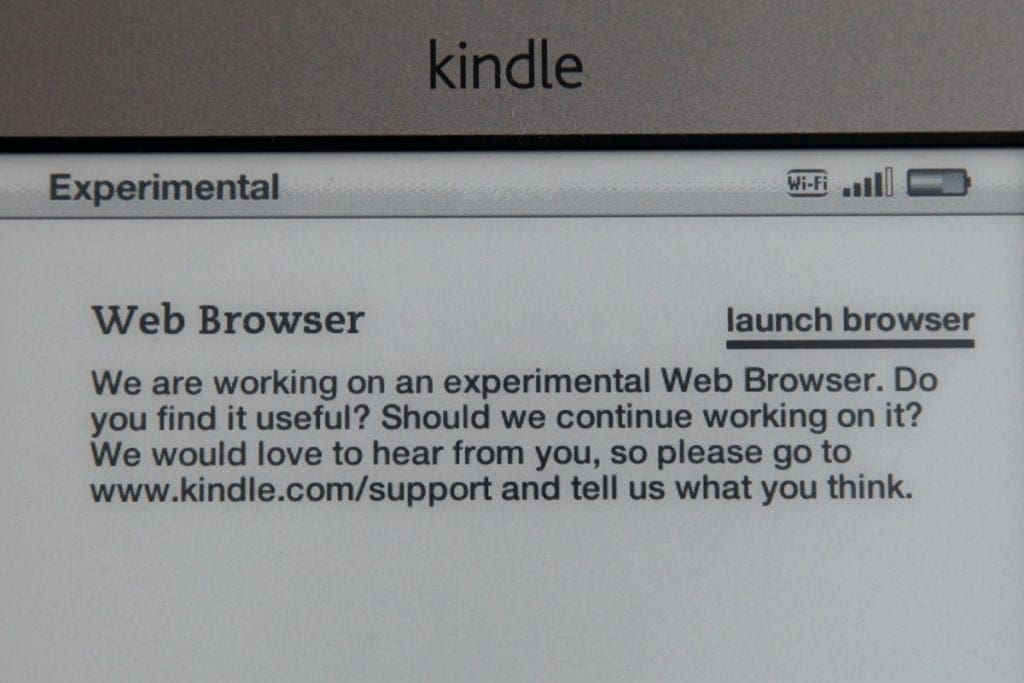
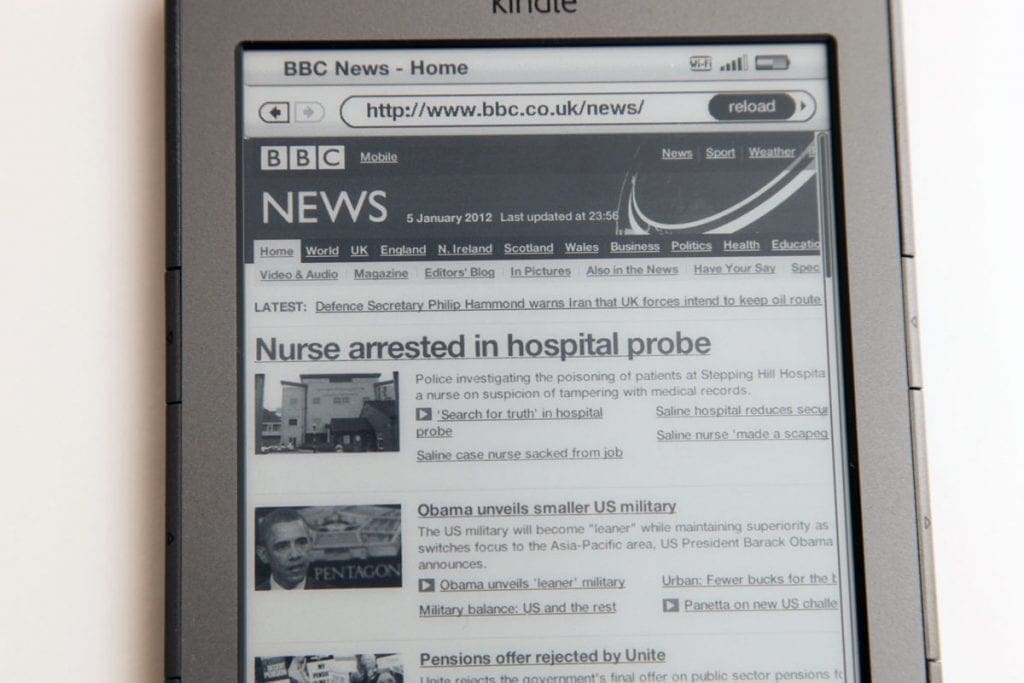
In the Kindle’s configuration menu, there’s an intriguing option named “Experimental”. Essentially, Amazon are trialling having a web browser on the device, and you get to it via this option screen. This is the one thing that makes me want a physical keyboard on my Kindle. The browser is actually very good. The screen is of course greyscale, but it is perfectly usable. I have used my Kindle (WiFi-connected, of course) to check my Google Mail via the gmail website, and also to browse the BBC News website. Text-based websites are completely viable on the Kindle. A bit like a smartphone, the page appears zoomed out, and you navigate around and zoom in using the direction pad. The pointer then moves around between clickable elements and textboxes. With the on-screen keyboard of the Kindle WiFi, going is a little slow, but it is usable. I imagine with the 3G and its real keyboard, the browser is really quite good. So, if you think you might want to use your Kindle for basic browsing, you might want to consider getting the 3G. I also assume that since the Kindle 3G has free 3G access anywhere in the world, that browsing is free anywhere in the world (though I cannot confirm this – I’ll update the article if I find the answer) – could be very useful when travelling if it is.
Conclusion
If you’re a regular book reader, you’ll love the Kindle. If you can take advantage of accessing books and magazines and your own personal documents too, you’ll love the Kindle even more. The Kindle WiFi gets a whopping UWHS 5/5.

Happy reading!



Nice review! I like the Kindle, too.
I had no idea what a Kindle is, but thanks to this review U got full info about what it is and what to do with it! Thanks for the review!
I love kindles and will use them forever. And I love paper books too.